There is a disaster that never makes the news. It happens after the main disaster, quietly, over months. The house is fine, the family is fine, and then you try to rebuild and you cannot prove who you are, what you own, or what you are owed. The insurance company wants a policy number. The bank wants identity documents that are in a drawer that is now under rubble, or worse, in a building nobody can enter. The ward office wants something you have never heard of.
This part is unglamorous and it involves admin work, which is exactly why it gets skipped.
The good news is that this is the cheapest and most portable of all preparation. Papers weigh nothing. A phone full of scans survives almost anything that happens to your apartment.
what to capture

So, what actually matters? The list is shorter than you think. Identity: residence card, passport, driver’s license, My Number card, health insurance cards, birth certificates, marriage certificates. Money and property: bank books and card details, insurance policies including the little policy numbers on the front, lease or mortgage documents, deeds, tax returns and withholding certificates from the last few years, pension records. Family: vaccination records for children, school records, medical records for anyone with a condition, prescriptions with the exact drug names and doses. And the small things people always forget: the seal registration certificate, the guarantee company contract for the apartment, warranties, and the contract for anything rented or leased.
Go through that list once. It is a rainy Sunday afternoon of work.
how to capture it
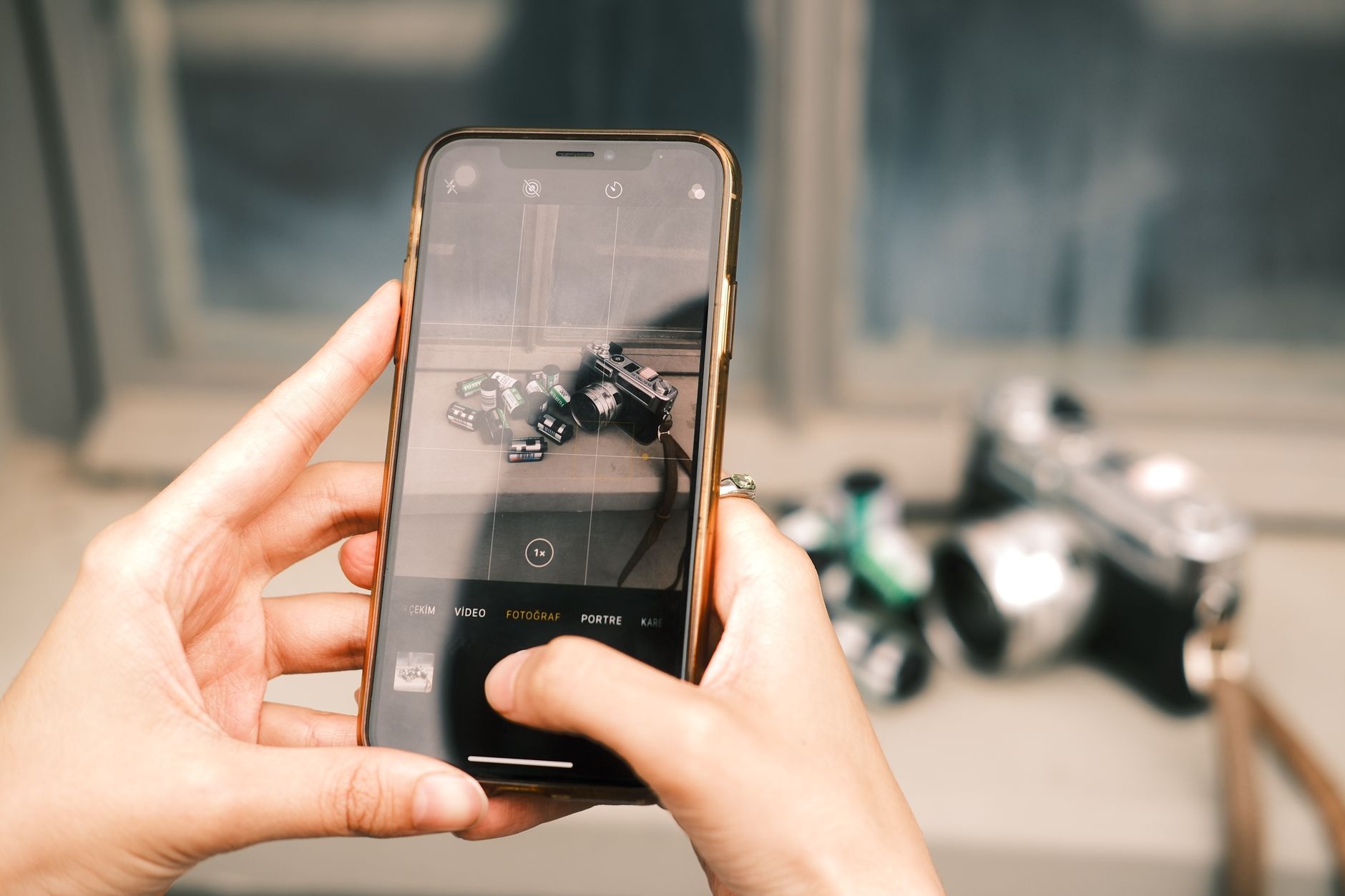
Now, how to capture it. The phone camera is the fastest tool and it is good enough for identity documents, contracts, anything printed. Photograph every page, front and back, flat on a plain surface, in daylight. For dense documents where you might need to search text or print a clean copy, a real scan is better than a photo: either a scanner at a home center, a print shop, or an app that does the flattening and perspective correction for you. The difference matters for things like tax documents and property records where the numbers need to be readable in six months.
Name the files properly at the time you make them. passport-2024-front, lease-agreement-2022, insurance-life-policy. A folder of IMG_4832.jpg is worse than no folder, because you will never look through it.
where the files live
Then the question everyone asks: where do the files live? Not one place. Three, ideally.
First, on your phone, so you have them when you are standing in a queue at the ward office with no laptop. Second, on a computer at home, in a folder you back up. Third, in the cloud, in an account you can actually get into from someone else’s device. The third one is the one that saves people, because phones get lost and laptops get left behind, but the account follows you anywhere you can log in.
But put things in the cloud and the next question arrives immediately: what if someone gets into that account? This is where it goes wrong, and where people either panic and encrypt nothing, or over-engineer and lock themselves out of their own life.
The middle path: for anything containing a scan of an identity document or a bank statement, do not store it as a plain file. Use an encrypted container or an encrypted archive with a strong password, and store that password somewhere that is not also in the same account. Encrypted archive files are straightforward to make with free tools on any computer; the file itself is just a file, and it can sit in the cloud folder alongside the rest without being readable to anyone who gets hold of the account. Keep one physical key to it: the password written on paper, at home, or with a trusted person, or split between two people who do not live together.
passwords and recovery
Passwords and account recovery deserve their own paragraph because this is where preparedness and digital security actually meet. The password you cannot recover is the one that will bite you. Use long passphrases, different for each important account, and store them in a password manager rather than in your head or a notebook, because the notebook can burn and your memory fails under stress. Then do the slow part: set up and test the recovery path. Recovery email, recovery phone, backup codes. Download the backup codes, print them, put the paper with your documents. If your second factor is an authenticator app on one phone and that phone is in the rubble, you have locked yourself out of your own records precisely when you need them. Recovery codes fix that. Test recovery on one account before you trust it on all of them.
There is also a category of tooling for exactly this problem: services that handle encrypted backup, online account management, and long-term storage for sensitive documents. I have not settled on one I would recommend without caveats, and this is the sort of thing where the right choice depends on how much you want to manage yourself versus hand off. Whatever you choose, the requirements are the same as for a home-rolled setup: encryption that happens before the file leaves your device, a recovery path that does not depend on a single phone, and an export path so you can leave.
One thing people forget: copies are useless if only you can reach them. Tell one other person where the account is and how they would get in without you. Leave the names of the boring contacts too: which ward office section reissues certificates, the agent on the insurance policy, the bank branch. In Japan most certificates can be reissued at the ward office in a day or two if you can prove who you are, which is far easier when you have the scans in your pocket. A passport takes longer, and if you are a foreign resident it involves your embassy, which is one more reason to keep the scan somewhere you can reach from another country.
keep the originals too
Paper still matters. Not instead of copies, alongside them. Originals of the hardest-to-replace documents should live in one grab bag or one fireproof document box near the exit, and that includes a printout of the encrypted file names and where the account is. Do not put the only copy of anything in a bank safe deposit box; after a big quake you may not be able to get in for weeks, and the box itself is not insured the way people assume.
Finally, the maintenance. Pick a date once a year, the same date, and spend an hour checking that the files open, the passwords work, the backup codes are still valid, and nothing important has changed. I do this in January, when nothing else is happening and the documents from the previous year are fresh. It takes less time than one trip to the ward office spent in the wrong queue, and unlike almost everything else in preparedness, this hour gets cheaper every year you keep it up.
The quiet disaster at the start of this post is caused by a filing system that only existed in one apartment. Do the paperwork once and it stops being able to hurt you.
